
Dashboards #
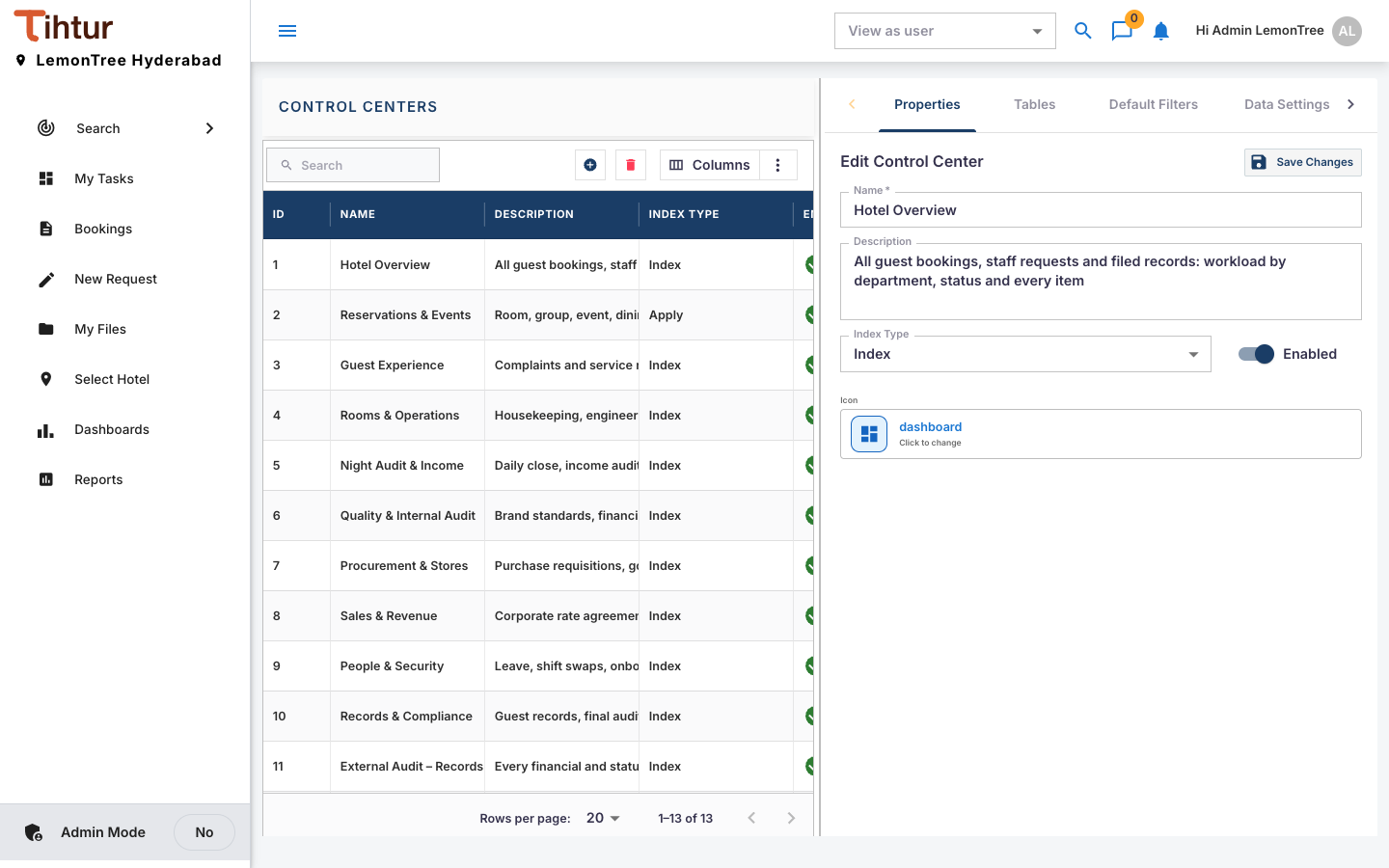
Dashboards (control centers) are live views over tasks and their tags. The demo hotel has 13. They are built under Control Centers and opened from Dashboards.
Create a dashboard #
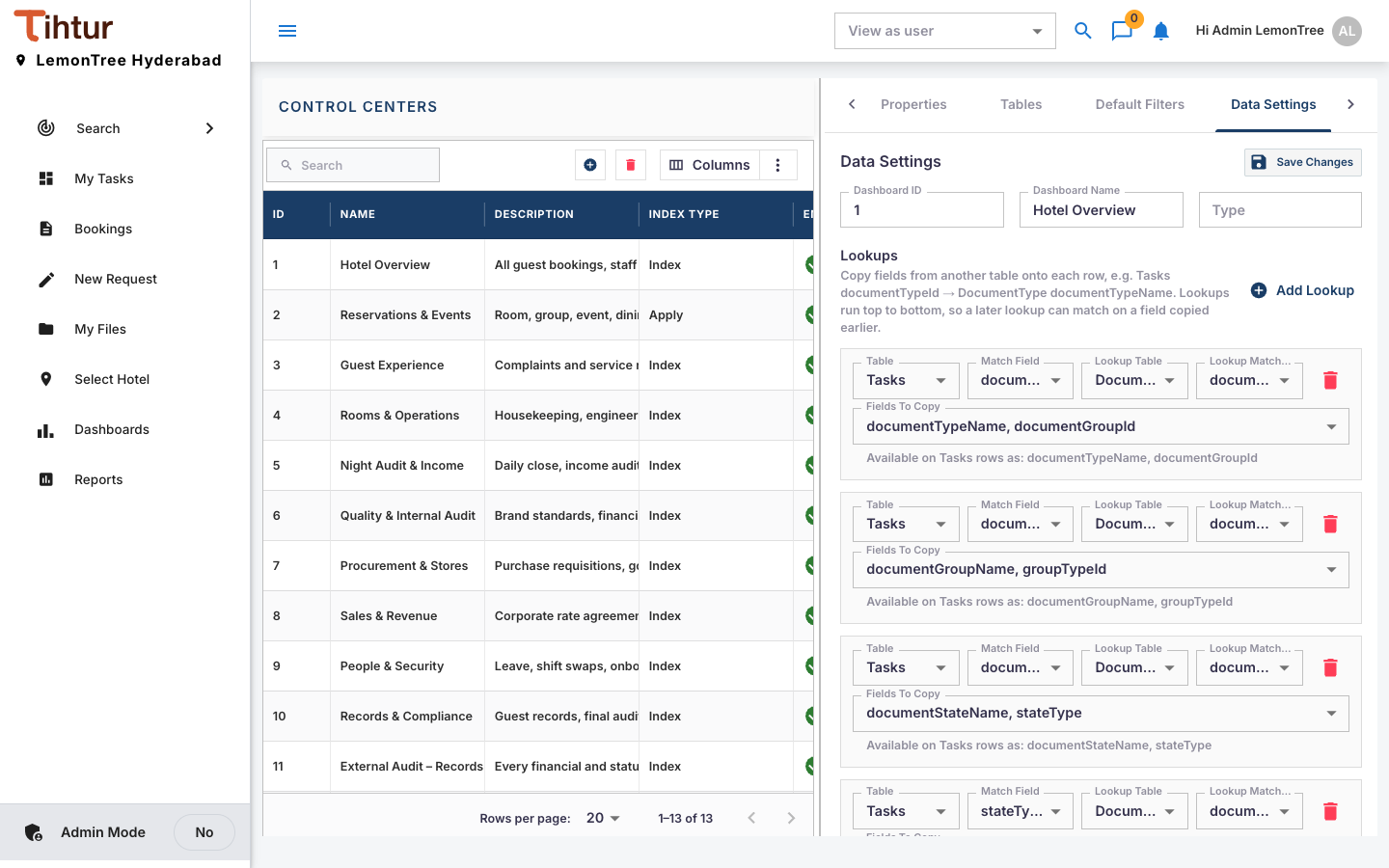
- Open Control Centers and press the add button. The editor has the tabs Properties, Tables, Default Filters and Data Settings.
- Properties: Name, Description, Index Type, Enabled.
- Data Settings: the Tables to read; Conditions (all or any must match; Equals, Contains, Greater Than, Is Empty …); Computed Fields (Count of rows, Sum, Average, Minimum, Maximum of field); Lookups for names from data tables; Default Filters shown to users.
- Run Preview to check; Execution Log shows what ran.
- Security: the roles that can open it. Save Changes.
Users see Dashboards when their profile includes ControlCenters, and then only the dashboards their roles allow.
Ideas #
| Dashboard | Shows |
|---|---|
| Reservations & events | Enquiries, proposals and confirmed events, by venue and date |
| Guest experience | Complaints by type and recovery time |
| Night audit & income | Shift closes, allowances and credit exceptions |
| Rooms & operations | Out-of-order rooms, open work orders |
| Payables | Supplier invoices by status and due date |
Dashboards are only as good as the tags. If a figure is missing, add the tag first so staff start recording it.
Next: 12. Reports