
System settings #
System Settings holds the rules that apply to everyone. Open it from the admin menu, change the values and press Save (Discard throws changes away).
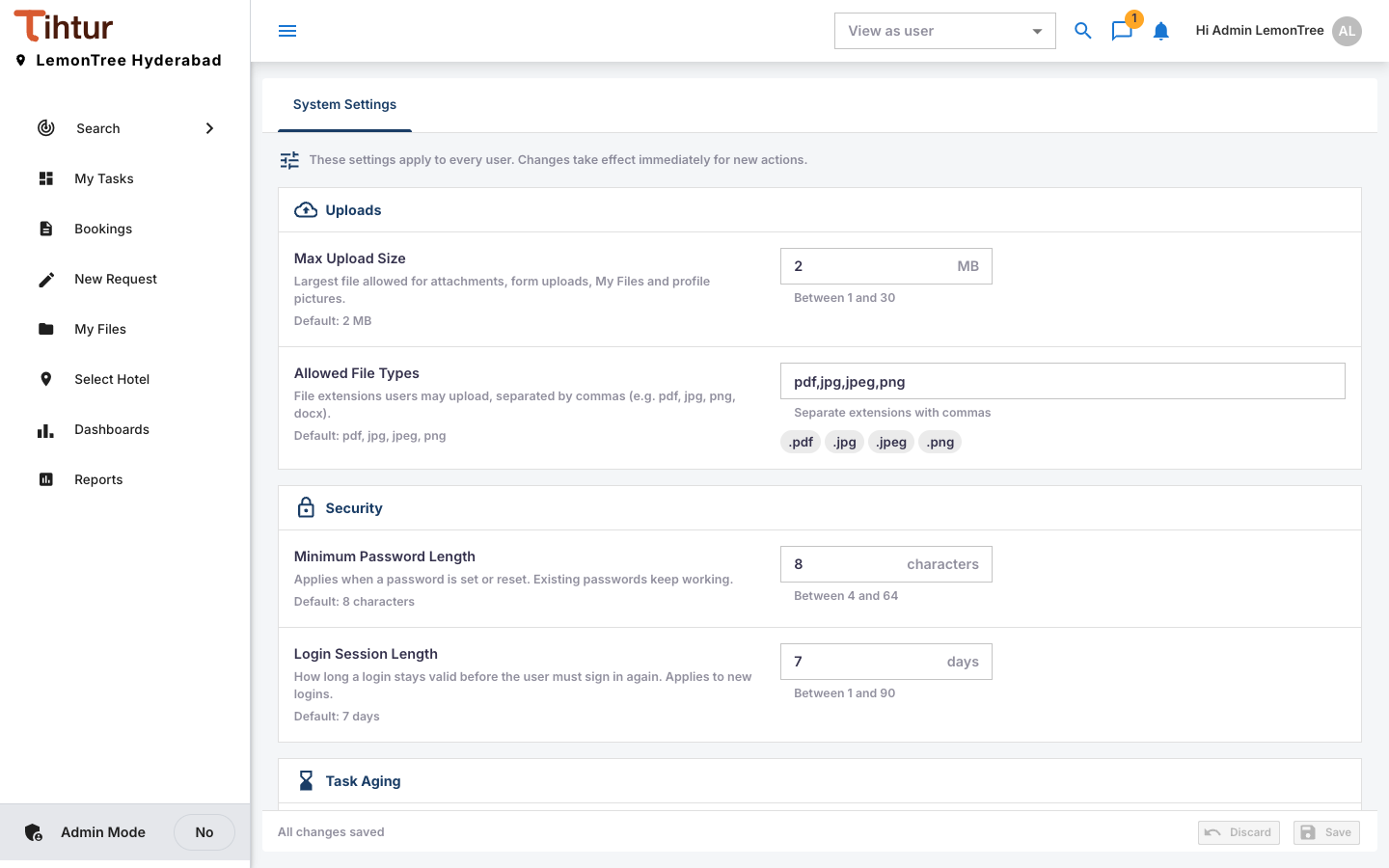
| Setting | What it controls | Default |
|---|---|---|
| Max Upload Size | Largest file for attachments, form uploads, My Files and profile pictures, in MB | 2 MB |
| Allowed File Types | Extensions users may upload, separated by commas | pdf, jpg, jpeg, png |
| Minimum Password Length | Applies when a password is set or reset | 8 |
| Login Session Length | Days a sign-in stays valid (new sign-ins) | 7 |
| Default On-time Period (Task Aging) | Tasks idle up to this many days are On time | 3 |
| Default Critical After (Task Aging) | Tasks idle longer are Critical; in between is Attention | 7 |
| Daily Pending Tasks Email (Email Reminders) | Daily summary to everyone with waiting tasks | — |
| Send Time (Email Reminders) | When the daily email goes out (server time, 24-hour) | — |
Aging can also be set per document type (Document groups and types). For example, a Guest Complaint & Service Recovery should be closed the same day, so set On time to 0 days and Critical After to 1.
Next: 2. Hotels and branches