
Document groups and types #
A document type is one kind of request or record; document groups are the folders people see. Both are managed under Document Flow.
Groups and their three kinds #
| Kind | Shown on | Demo groups |
|---|---|---|
| Apply | Book Online (patients, corporate clients and vendors) | OPD & Teleconsultation, Health Check-ups, Admissions & Estimates, Vendor Registration |
| Create | New Request (staff) | Patient Services & Admissions, Billing & Insurance, Clinical Quality & Patient Safety, Infection Control, Audits & Accreditation, Pharmacy & Stores, Biomedical & Facility, Medical Staff & HR, External Audit |
| Index | My Files → Select Document Type | Medical Records, Insurance & TPA Records, Licences & Accreditation, Contracts & Empanelment, Accounts Payable, Revenue & Receivables, Banking & Treasury, Statutory & Tax, Payroll, Fixed Assets, Inventory & Cost Control, Management & Governance, HR & Credential Records |
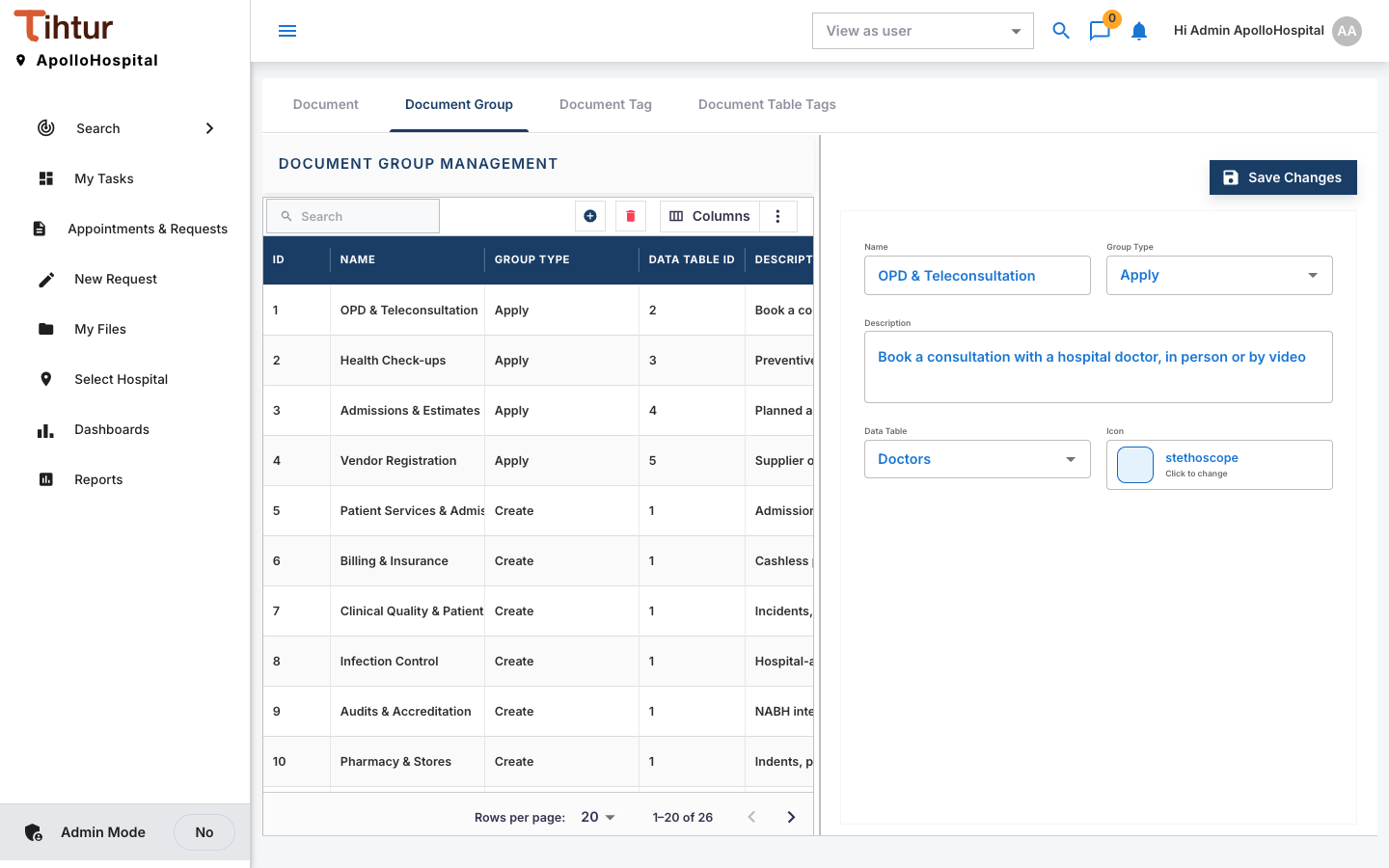
Both are managed under Document Flow, on the tabs Document, Document Group, Document Tag and Document Table Tags. Create a group on the Document Group tab: enter the Name, choose the group type, Save Changes.
Create a document type #
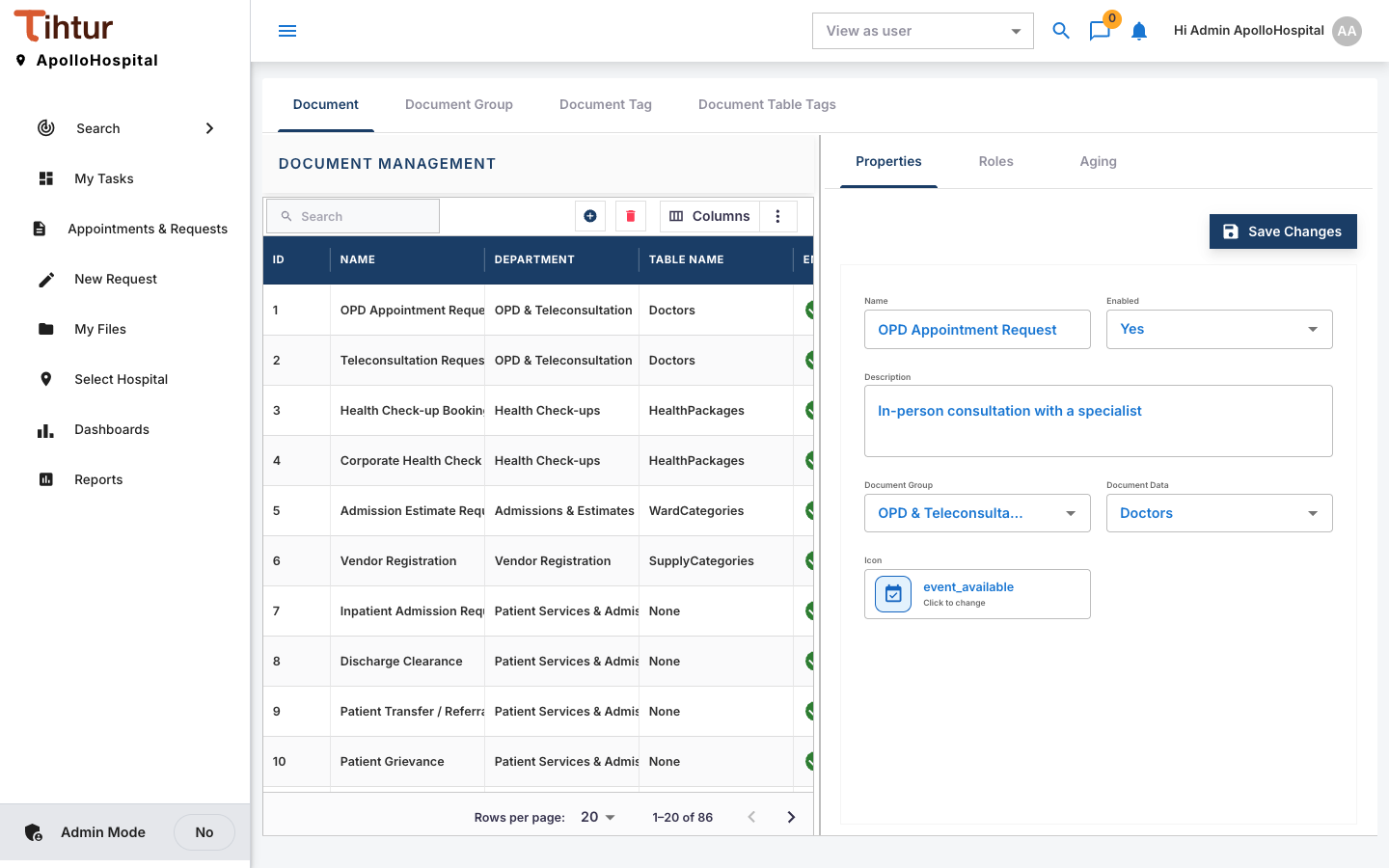
| Field | Notes |
|---|---|
| Name and Description | What people see, and when to use it |
| Document Group | The folder it appears in |
| Form | The questions (Forms and tags) |
| Document Tag | The processing details staff record |
| Data Table | Where its records are kept for search |
| Enabled | Untick to hide it without deleting anything |
Then connect it to a workflow (Workflows) and give roles access (Who can see and act). Every document type needs a workflow.
Aging per document type #
Under Aging, set the document type's own On time and Critical After days, counted from the Created date or the Last activity. For example, a Critical Result Notification should be acted on within hours, so set On time to 0 days and Critical After to 1.
For packages and services that change each year, add the new version and disable the old one once it closes. Old bookings stay intact and searchable.
Next: 8. Forms and tags