
Filing records (Index) #
Indexing means filing a document with its key details, so it can be found in seconds later. An indexed record is a task like any other: it goes through a short check, and shows up in search and dashboards.
Where records are filed #
| Group | Record types |
|---|---|
| Medical Records | Discharge Summary, Consent Form, Medico-Legal Case (MLC) Record, Death Certificate & MCCD, Birth Record |
| Insurance & TPA Records | Insurance Claim Submission, TPA Settlement Letter |
| Licences & Accreditation | Licence & Statutory Certificate, Equipment Calibration Certificate |
| Contracts & Empanelment | Vendor & AMC Contract, Insurance & Corporate Empanelment, Consultant Doctor Agreement |
| Accounts Payable | Supplier Invoice, Vendor Invoice (Services), Debit / Credit Note, Payment Voucher |
| Revenue & Receivables | Daily Collection Report, IP Final Bill, Insurer / Corporate Invoice |
| Banking & Treasury | Bank Statement, Bank Reconciliation Statement |
| Statutory & Tax | GST Return Filing, TDS Return & Challan, PF & ESI Challan |
| Payroll | Monthly Payroll Register, Full & Final Settlement |
| Fixed Assets | Asset Purchase & Capitalisation, Asset Condemnation & Disposal |
| Inventory & Cost Control | Month-end Stock Statement |
| Management & Governance | Monthly MIS Report, Budget & Forecast, Quality Indicator Report, Final Audit Report, Insurance Policy |
| HR & Credential Records | Staff Personnel File, Doctor Credential File |
Worked example: filing a supplier invoice #
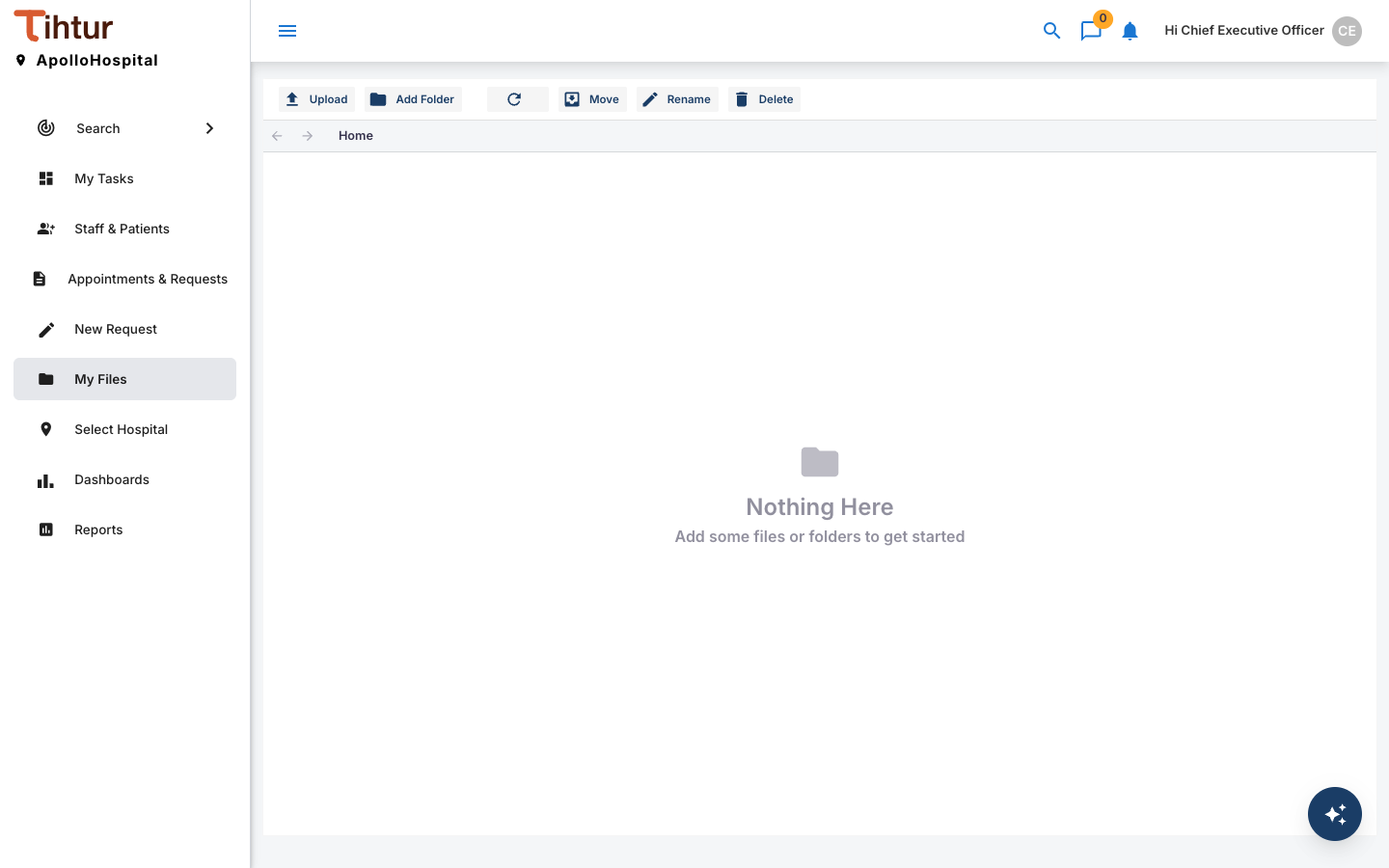
- Open My Files and press Upload. Choose the scanned document (PDF, JPG or PNG, up to 2 MB by default). Use Add Folder to keep files tidy; Move, Rename and Delete tidy up later.
- Open the uploaded file. The viewer lets you zoom, rotate and highlight.
- Choose Select Document Type → Supplier Invoice.
- Fill in the short document form: Document Title, Document Date and any Notes.
- Fill in the record details (the tags):
- Supplier: Supplier Name, Supplier GSTIN, Invoice Number, Invoice Date
- Matching: PO Number, GRN Number, GRN Accepted Value, Variance vs GRN, Three-way Match (PO / GRN / Invoice)
- Amounts: Taxable Value, CGST, SGST, IGST, GST Amount, Freight / Other Charges, Round Off, Invoice Total, TDS Deducted, Net Payable
- Payment: Due Date, Payment Status, Paid On, Payment Reference
- Save. The record is filed with the scan attached, and goes to Finance for checking: Filed – Pending Verification → Verify & Archive, or Return for Re-upload if the scan is unreadable.
Finding it later #
Use Search: choose the Accounts Payable group and the Supplier Invoice type, pick a date range, and filter by any detail, such as the invoice number or supplier.