
Dashboards #
Management does not need to ask for status updates. Dashboards show what is happening now. They appear in the menu for people whose profile includes them, and show the hospital selected in the header.
Dashboards #
Dashboards (in the menu) lists the dashboards you may open. The demo hospital has 21: Hospital Overview, Patient Access & Appointments, Inpatient Flow & Billing, Patient Safety & Infection Control, NABH Audits & CAPA, Pharmacy & Supply Chain, Biomedical & Facility, Medical Staff & HR, Medical Records & Compliance, Finance & Statutory Records, Revenue, Collections & Receivables, Payables & Expenses, Insurance Claims & TPA, Leave Management and more.
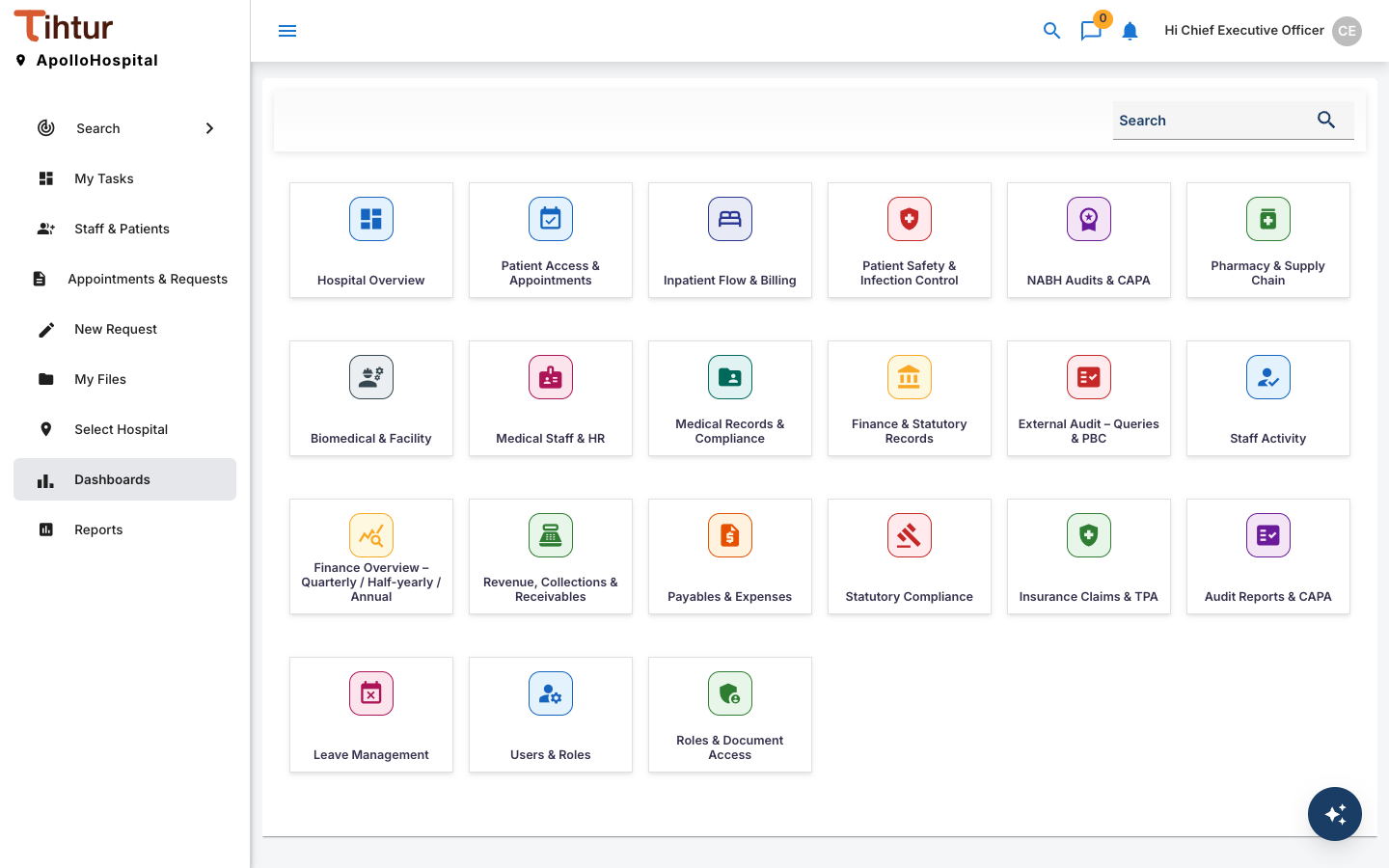
- Open Dashboards and choose a dashboard.
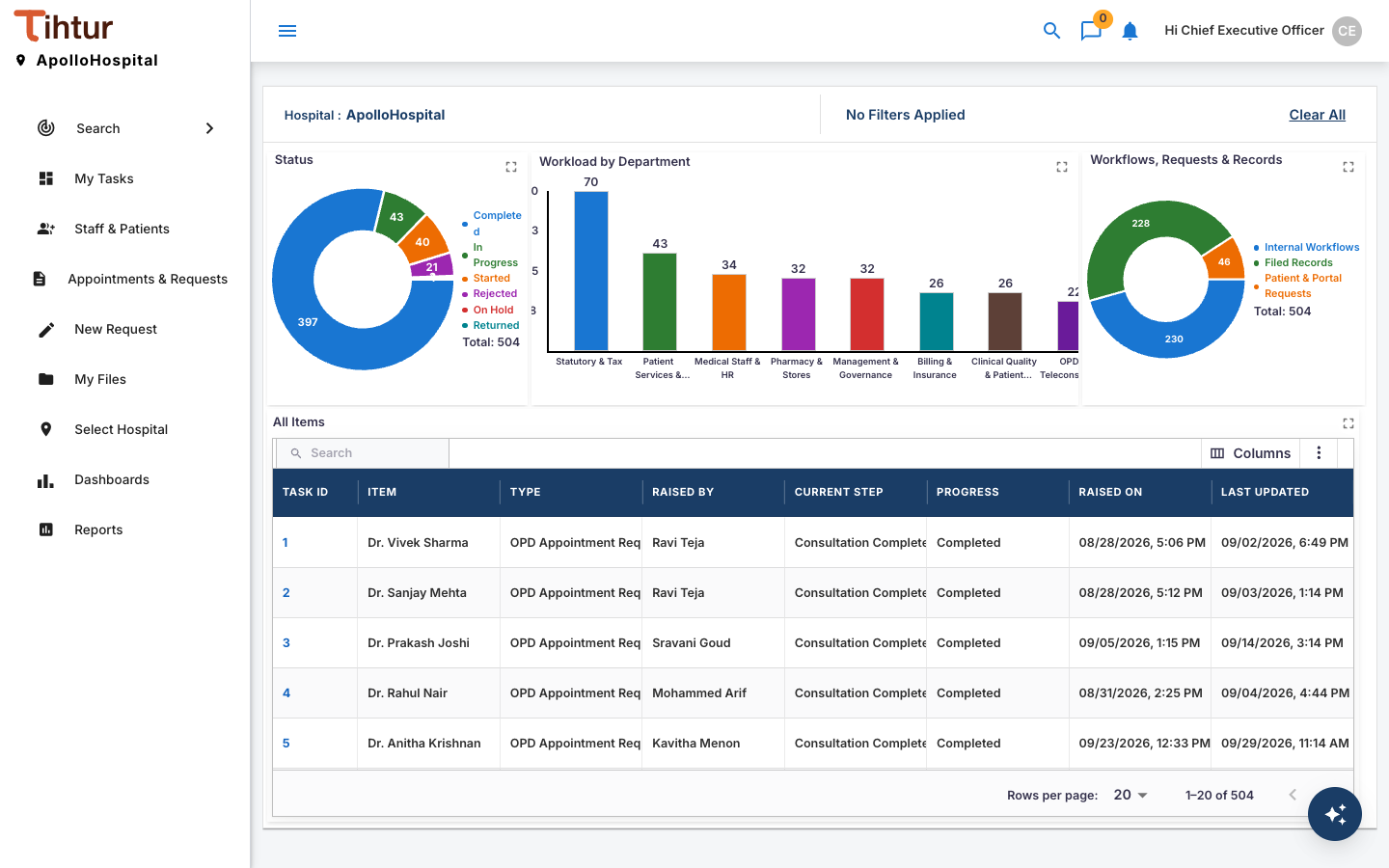
- Use the filters at the top, then Submit, or Clear All to reset.
- Click a figure or a row to see the tasks behind it.
Reports #
The standard hospital setup uses dashboards for its figures, including finance, revenue, payables and statutory dashboards. Period reports, laid out like accountants' statements (with comparisons and an explanation of each figure), can be added for your hospital: ask TihTur support.
Numbers come from the tasks. A document that was never filed, or a request that was never approved, is not counted.