
Workflows #
A workflow is the route a request takes: its steps (states), the actions that move it, and the approvers of each step. Workflows are managed under Work Flow.
The parts #
| Part | What it is |
|---|---|
| State (step) | Where the task is now |
| State type | Started, In Progress, Returned, On Hold, Completed, Rejected |
| Action / Action type | A button at a step; its kind: Approve, Reject, Return, Forward, Hold, Resume, Withdraw, Complete, Under Process |
| Transition | Where an action leads |
| Approvers | The roles that act at a step |
| Documents | The document types that use the workflow |
Worked example: Health Check-up Booking #
| Step | Approvers | Actions → next step |
|---|---|---|
| Booking Received (start) | Front Office approval | Schedule → Scheduled – Awaiting Visit · Decline → Cancelled |
| Scheduled – Awaiting Visit | Front Office approval | Patient Arrived – Start Tests → Tests in Progress · Cancelled by Patient → Cancelled |
| Tests in Progress | Laboratory, Radiology approval | All Results Ready → Doctor Review |
| Doctor Review | Clinical approval | Report Signed & Delivered → Report Delivered · Repeat Test Required → Tests in Progress |
| Report Delivered, Cancelled | — | Finished |
A short one for comparison, Staff Leave Request:
| Step | Approvers | Actions → next step |
|---|---|---|
| Manager Approval (start) | Department Head approval | Approve → Recording · Reject → Rejected |
| Recording | HR approval | Recorded → Approved |
| Approved, Rejected | — | Finished |
Build a workflow #
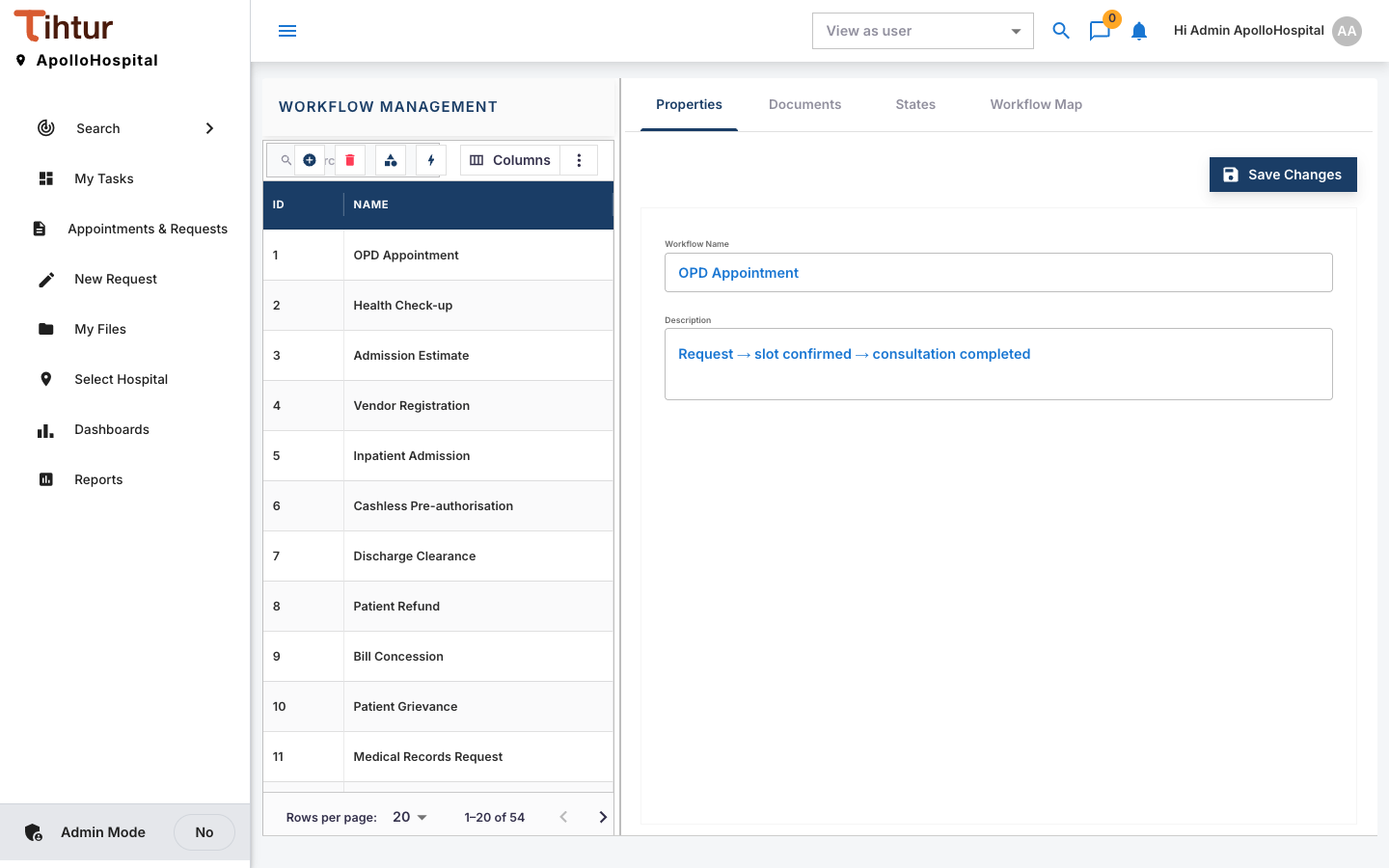
Workflows have the tabs Properties, Documents, States and Workflow Map.
- Open Work Flow, press the add button, and enter the Workflow Name and Description on Properties.
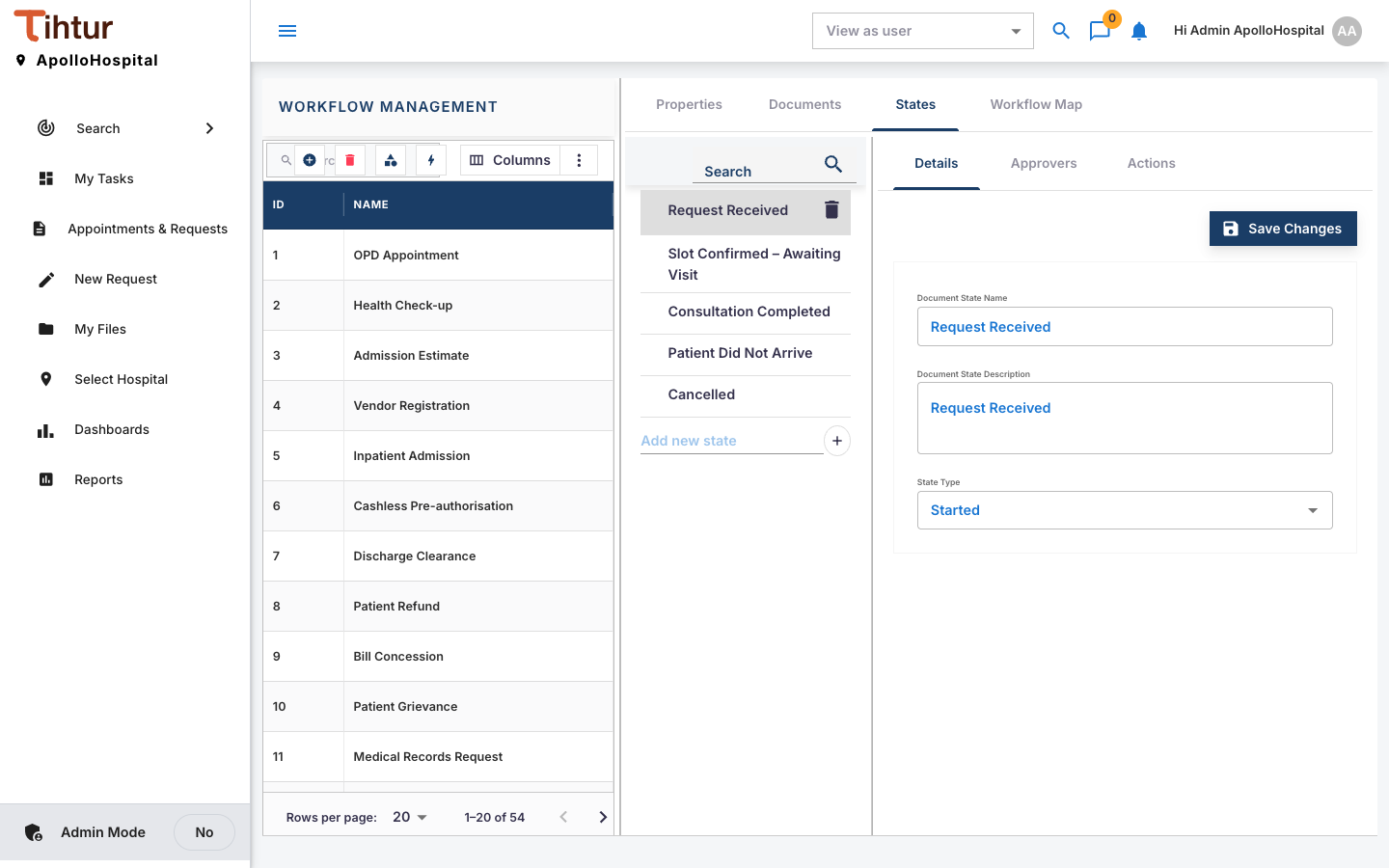
- States: Add new state for each step. Each state has three sub-tabs:
- Details: the state name, its description and the State Type; the first step gets steps = 1.
- Approvers: move the roles that act at this step from Available to Selected.
- Actions: add the step's actions (Action Name, Action Type) and, for each, the To State it leads to.
- Documents: attach the document types that use this workflow.
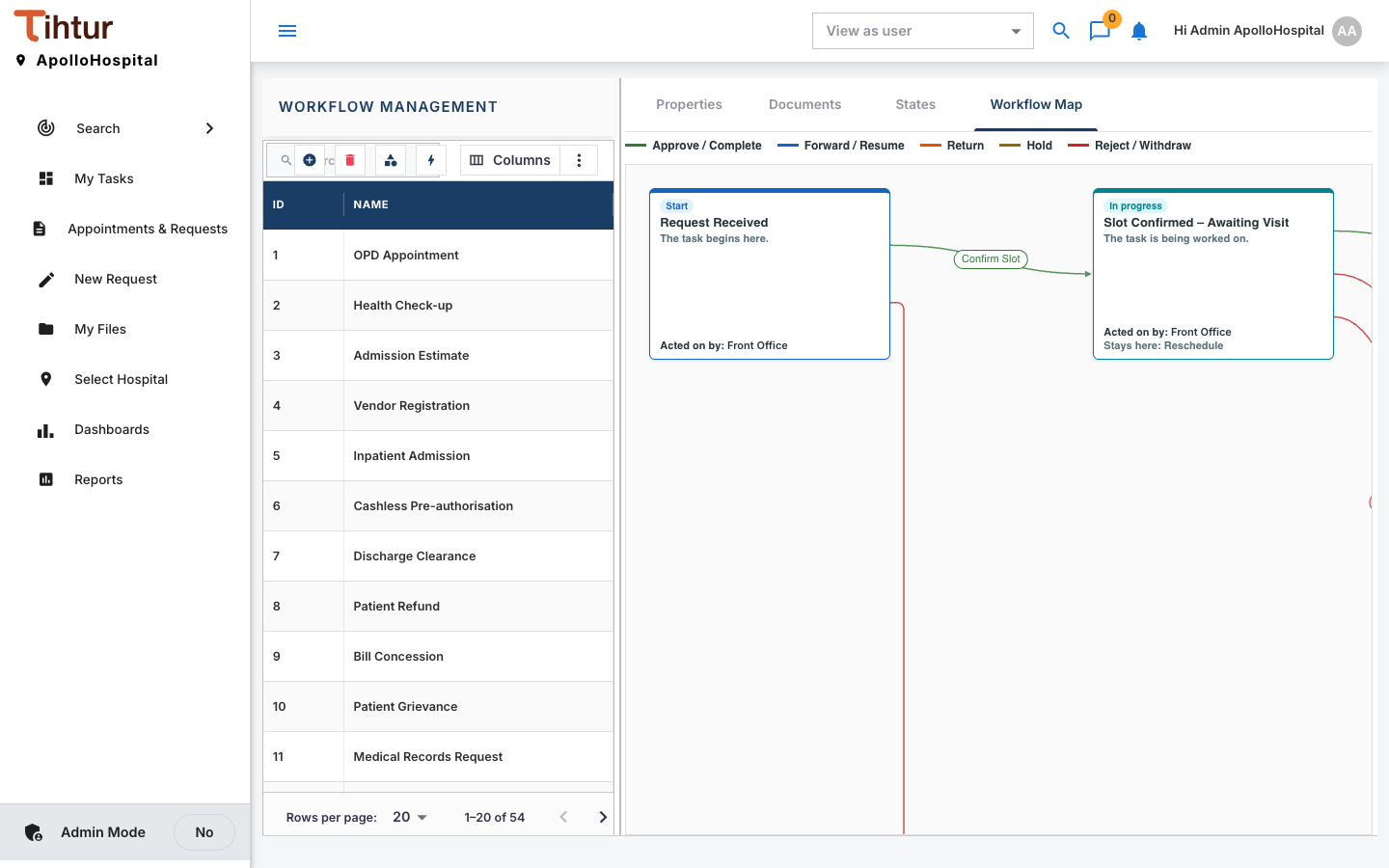
- Open the Workflow Map tab to check the route visually.
Rules that keep workflows healthy #
- Exactly one starting step; each action leads to exactly one step.
- Finished steps use Completed or Rejected; every other step needs approvers.
- Returned steps are handled by staff; the requester answers through notes.
- A step's approvers are people holding the step's role and the task's hospital property role.
Next: 10. Who can see and act